Samory
Description
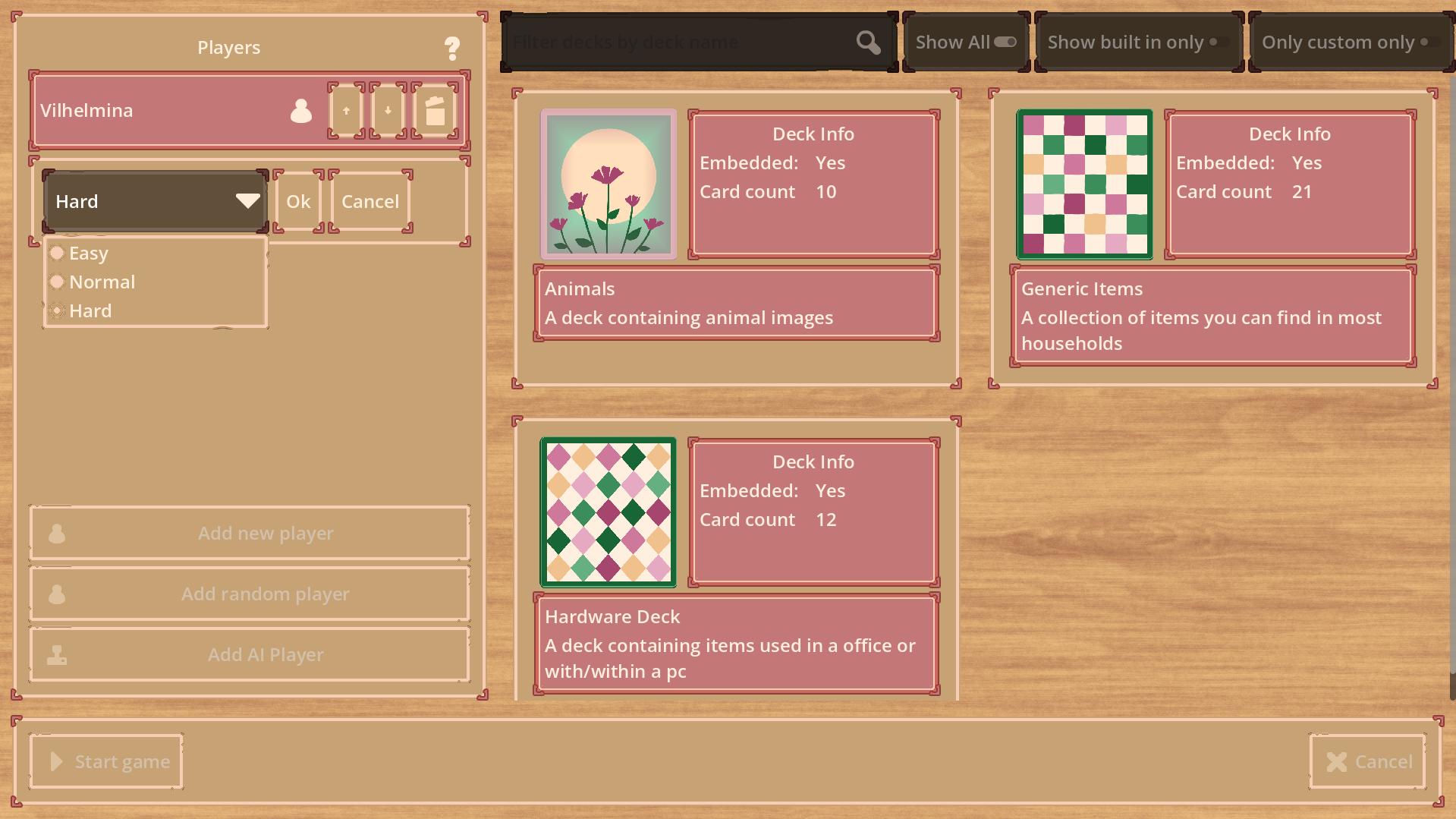
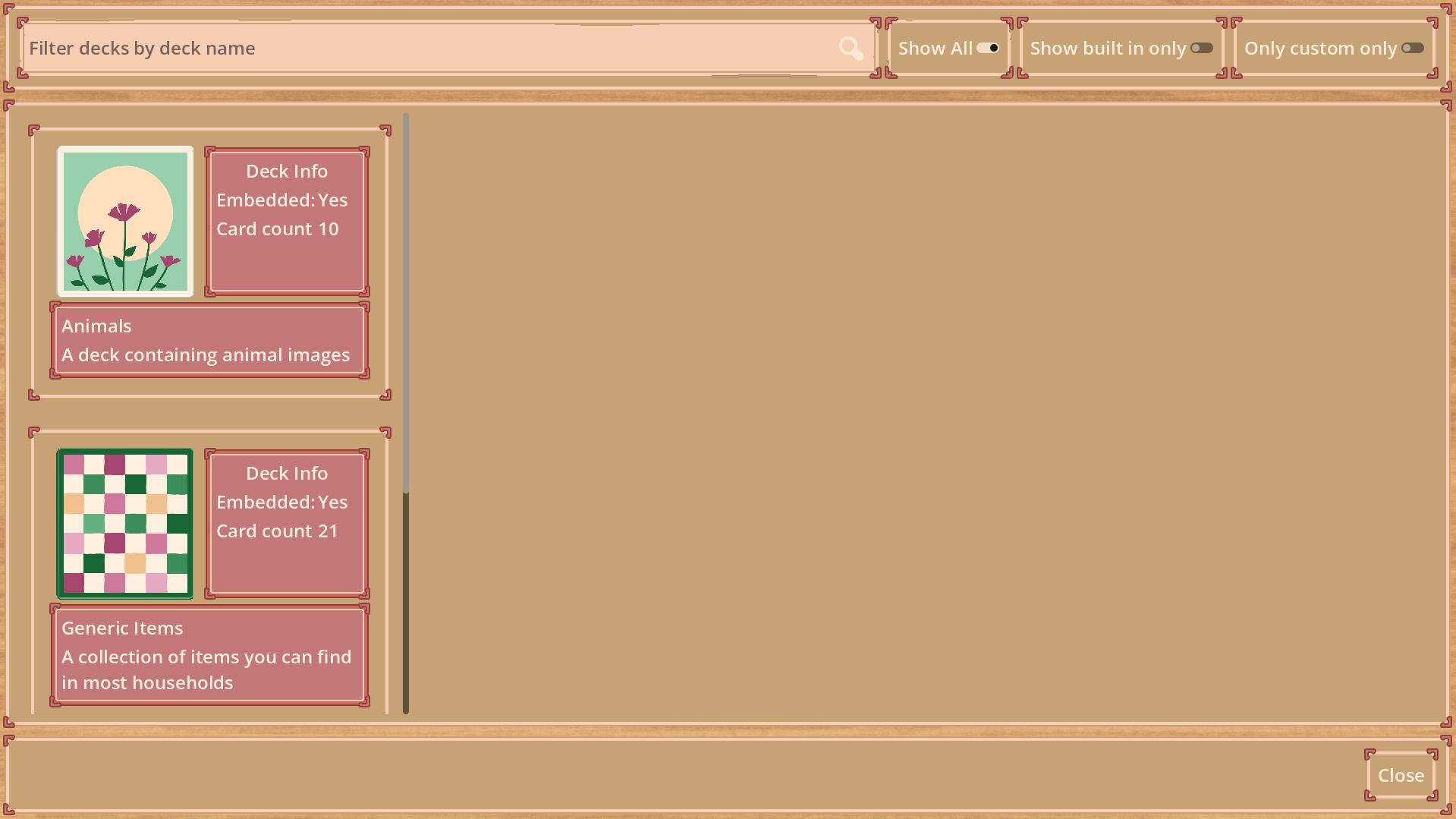
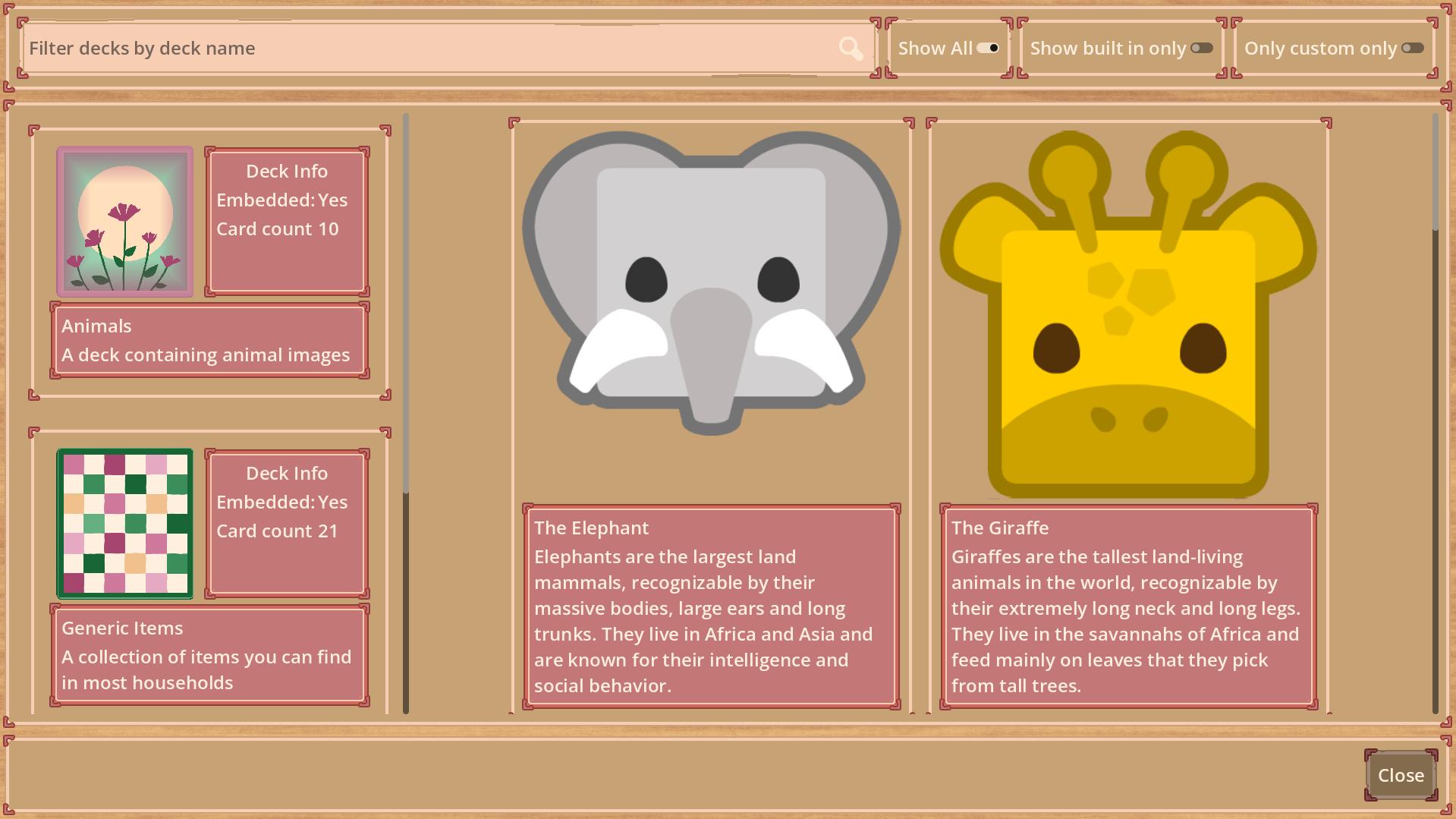
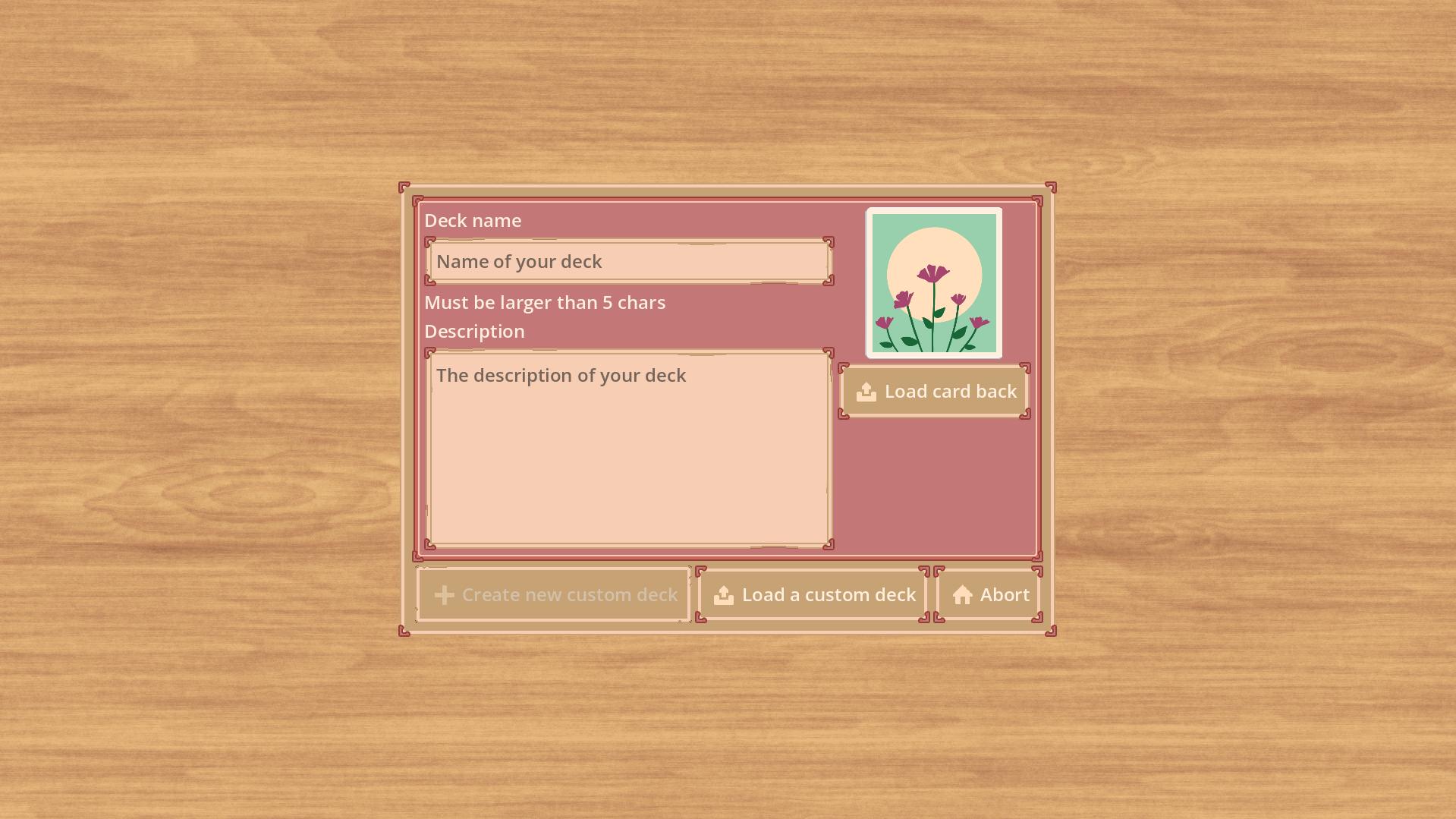
I did code this game as a hobby project, this is a digital memory game which does allow me to digitalize pictures drawn by my son. Since I did this via a side load approach by allowing the creation of custom decks you can import your own card decks.
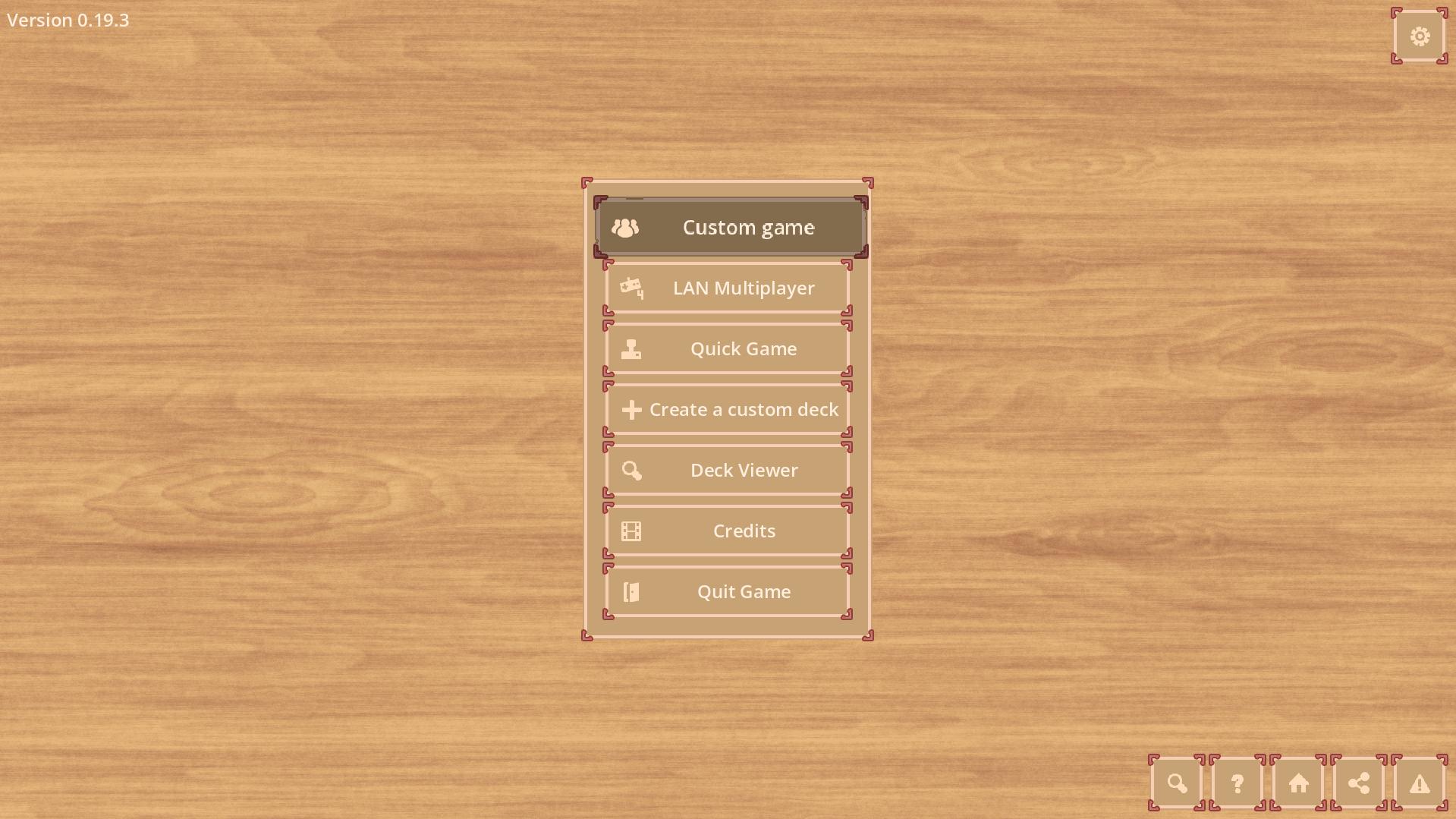
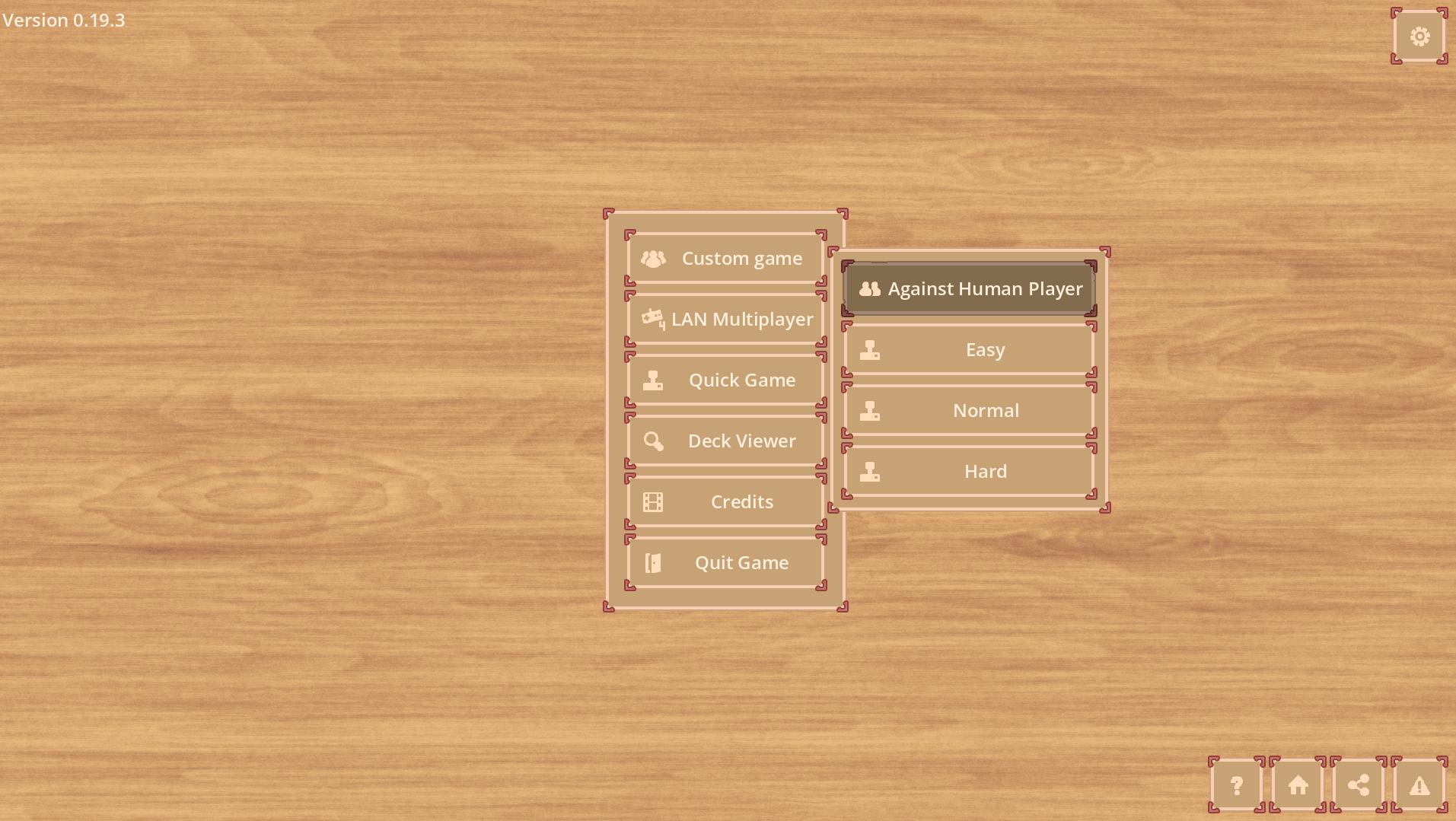
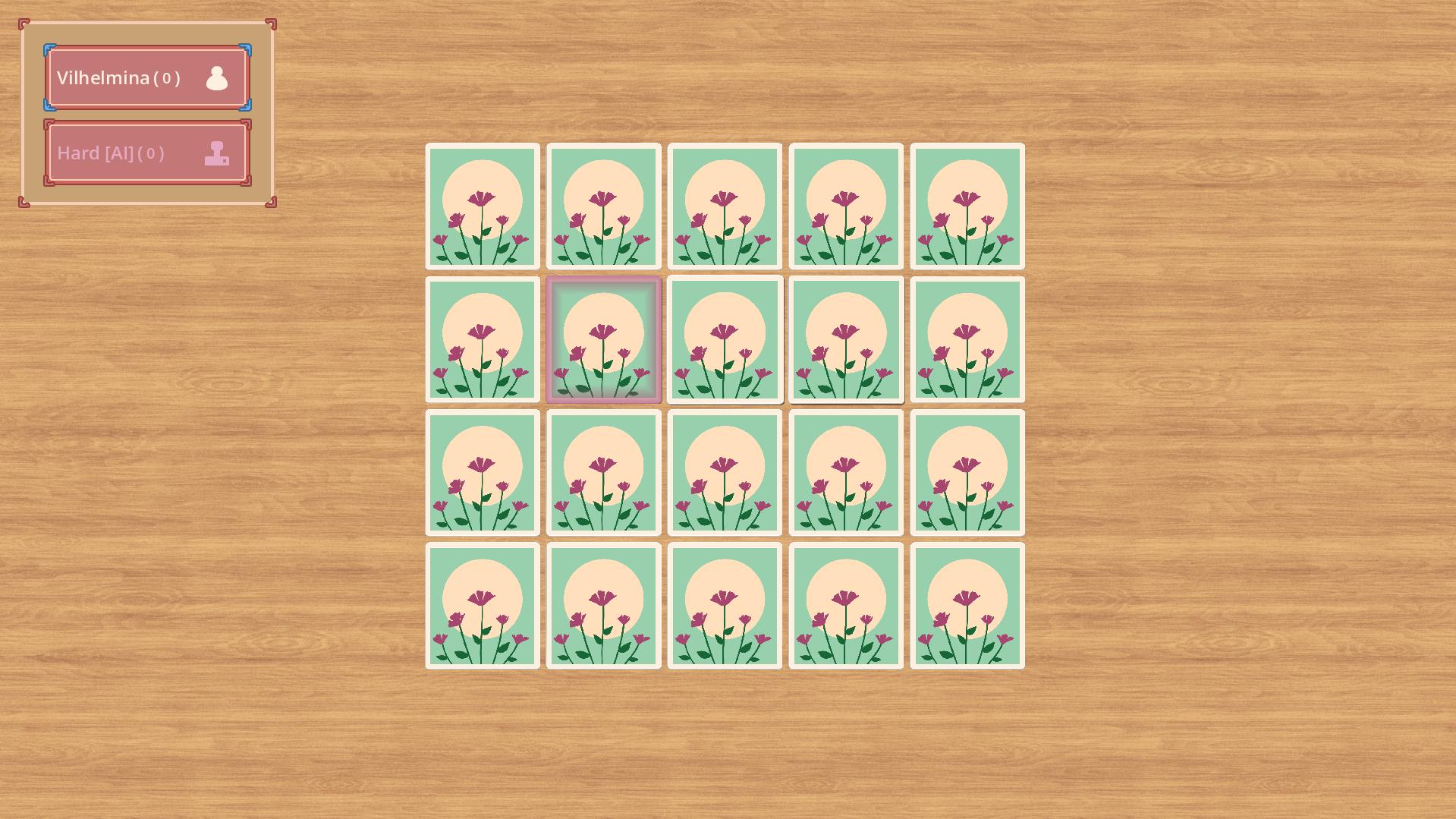
The game does include a single simple card deck, allowing you to play right away. You should play this game with another person via hot seat, to learn how to play, please check the manual.
This game is open source, so if you want to use this as a base for any project feel free to use the code. Links to the repository and issue trackers can be found down below.
Most of the assets of this game are from Kenney, thank you for making them free to use. Some assets are created via Material Maker. Special thanks to Axuree for creating unique special assets for the card backs and established a color palette.
The music of the game was composed by Abstraction, the music is made free to use and can be found here
The initial csv based localization was done with the help of the localization editor. After switching to gettext poedit was used.
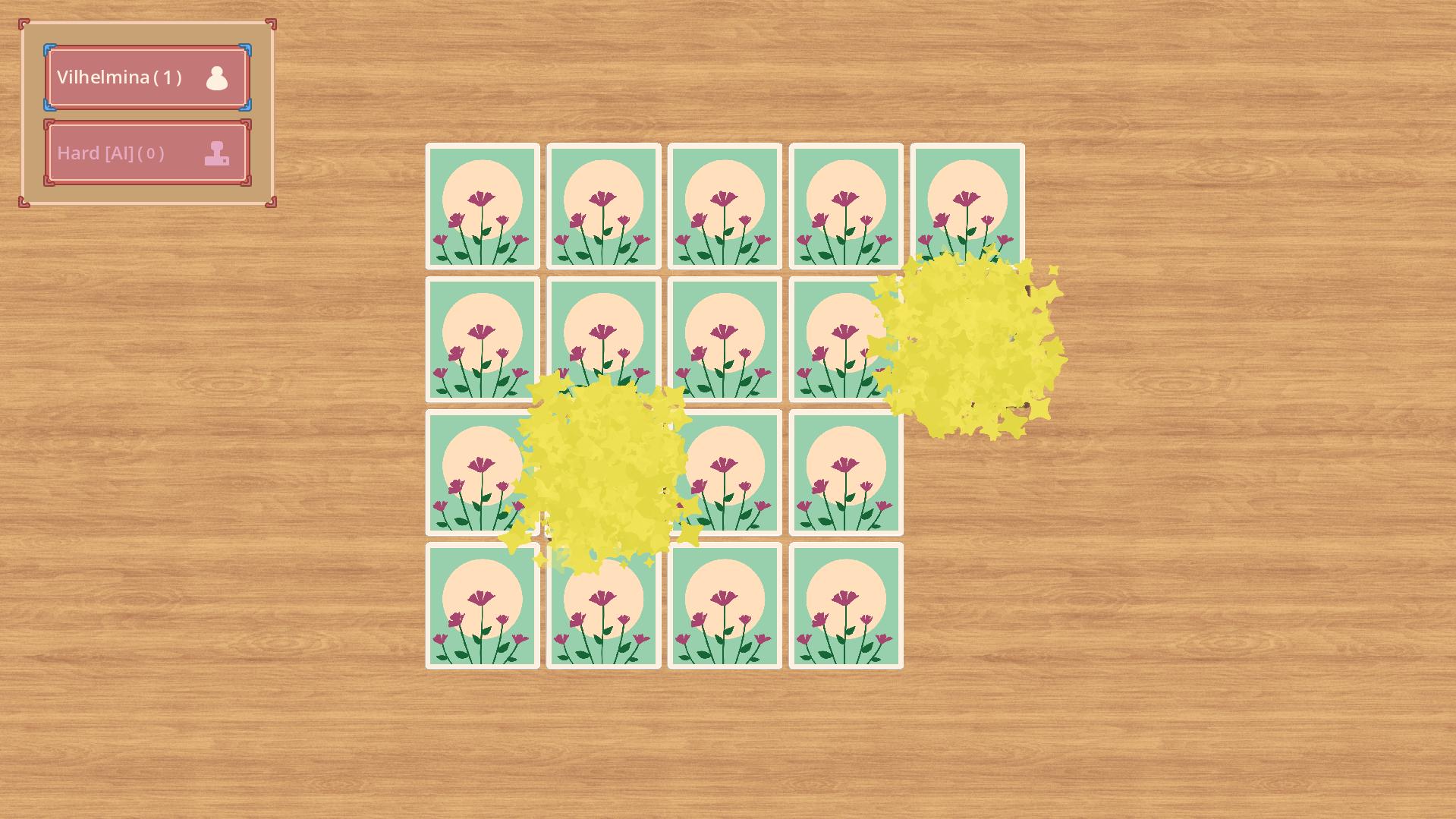
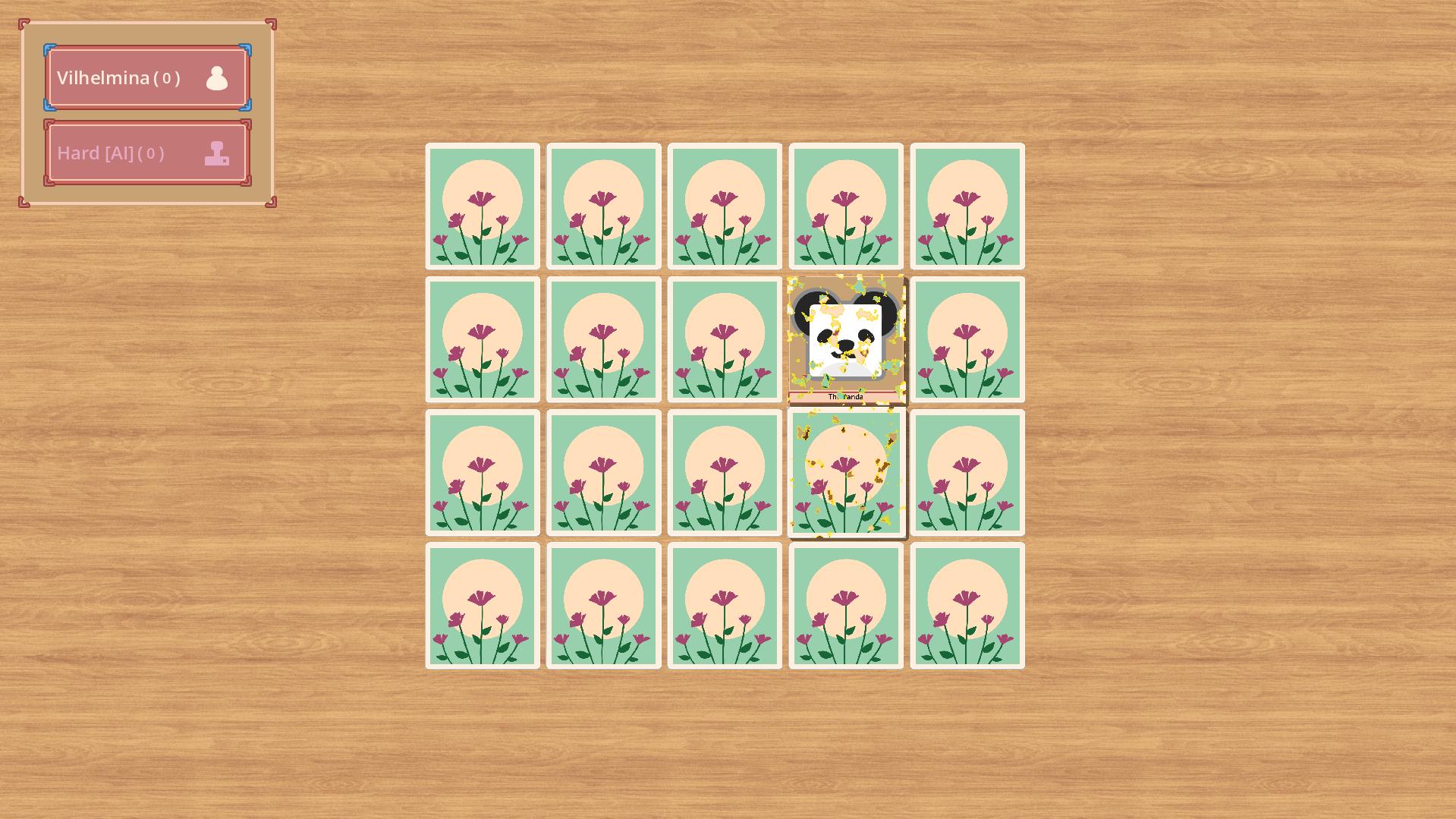
Want to see a match? Check this out: https://loops.video/v/gDf3HgstaK
If you need more information on how to play or how to create custom decks, check the manual
Playing on the Web
The web version is missing some features available on the Desktop variant. The Desktop version does allow you to create custom decks as explained on the custom deck manual.
Touch devices
Should run on mobile devices, but might be slower compared to a desktop device. I tested it with multiple phones and a Fire TV tablet.
How to install
To install the game either download it via the Itch.io app or download the zip file, unzip the content and execute the binary. If you do use Arch Linux there is a AUR package for this game.
Please leave a comment if you liked the game or if you think something need's to be improved or changed.
Report a bug
To report a bug either create a issue on GitHub or write it into the comment section for this game. You could also contact me on Mastodon if you like.
To check what's currently in the pipeline check out codecks
AI Usage
I did use Chat GPT to write some item descriptions.
Known Issues
Version 0.17.0 and 0.17.1
- Buttons on Linux are not visible or working, the game cannot be used with that version on Linux. Try the Web build instead.
Version 0.17.2
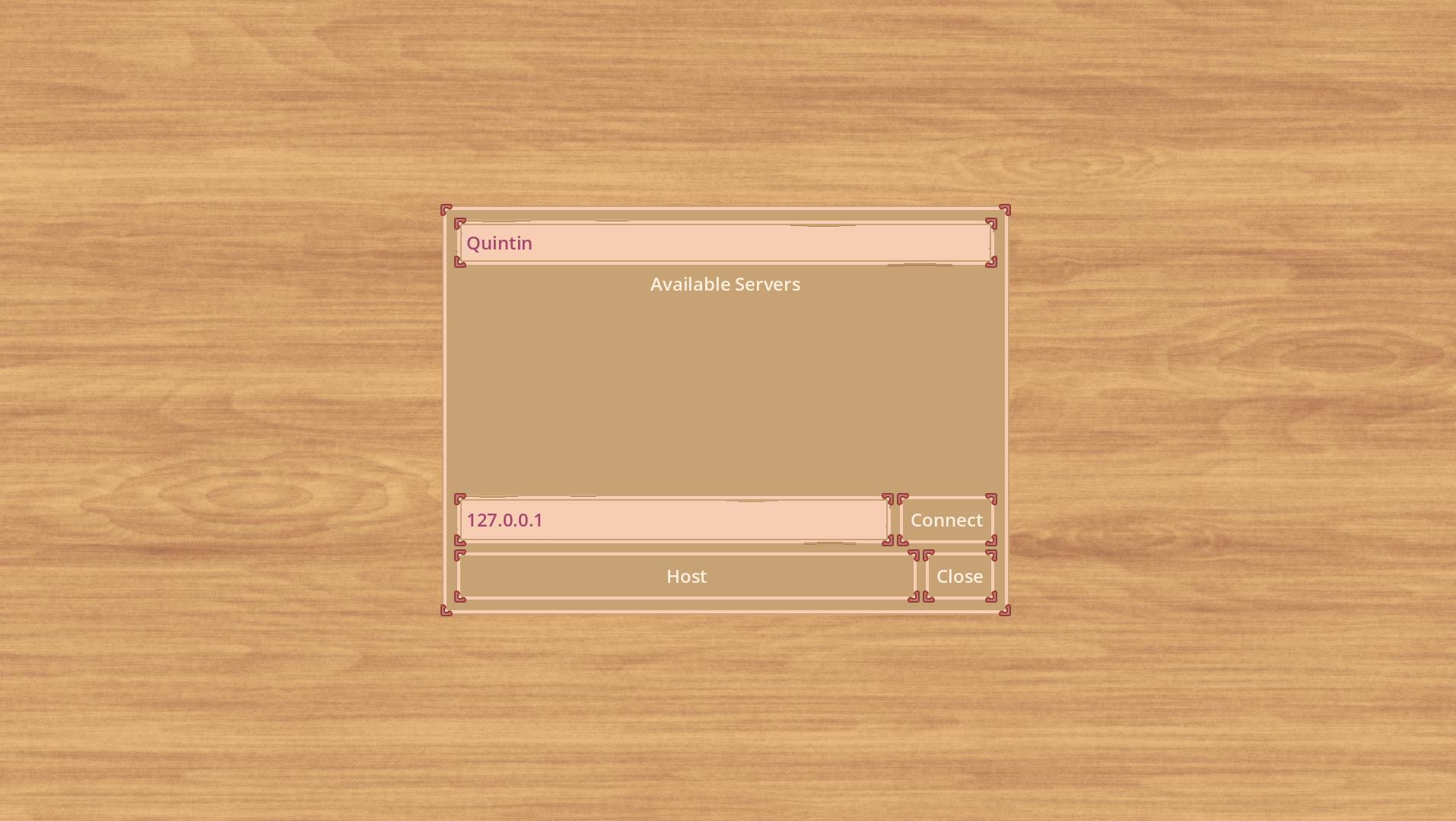
- IP Address is not correctly fetched from a Linux machine. This is only relevant if hosting a LAN game and someone tries to use the auto discovery. Please connect via IP directly for now.
Version 0.20.0
- Will remove the multiplayer mode, I did decide that there is no real benefit from a user perspective for that feature while adding a lot of technical difficulty to the game. It's much more fun to play the game in a hot seat like manner on a single device. See the definition of 1.0 on codecks for more information
Final words
This game is a hobby project, it will stay open source and I won't sell it.
You played a match and got an opinion? I would be happy if you rate or comment on the game. Did you encounter an issue? Had you fun?
Download
Install instructions
Unzip the file downloaded into an folder on your computer. Start the Binary "samory.exe" or if you are on Linux "samory".
Keep in mind to set execution rights if you do play it on Linux.
Development log
- State of the game5 days ago
- Version 0.19.xFeb 22, 2026
- Release 0.6.0, 0.7.0 and 0.8.0Mar 08, 2025
- Update 0.5.0Feb 21, 2025
- State to 1.0.0Feb 20, 2025
- Road to 1.0.0Nov 01, 2024
Comments
Log in with itch.io to leave a comment.
Just installed the new update on AUR. Played a quick game. It works great!
Which device did you use? Do you know which browser is installed?
I did test it on Android with Chrome and Firefox Also I did test it on Windows and Linux with Firefox and Edge.
I do know that it is not working on the FireTV Tablet, somehow that browser prevents the game from running.
I did test it with Firefox and Zen on Arch, but not that exact version.
I will give it a try if it still does work there, but it should as I use the same browser on Windows.
If it does work on those browsers on Arch I think it might be possible that that exact library is missing for Librewolf.
But if you are on Arch there is a AUR package for Samory available, if this is something you would want.
https://aur.archlinux.org/packages/samory-bin
Just did a quick check with Arch Firefox and Zen and it seems to work for me.
So it might be very likely that Librewolf is missing that library required.
I got it running and the music is playing. This is as far as I managed to get. No response from keyboard, mouse or joystick but the window functioned without crashing. I hope this helps.
You did install the AUR package?
That’s strange, did you reach the main menu or is it broken right away?
To be honest I’m confused as I tested the AUR package on Saturday on a Arch machine using Wayland and plasma and it loaded fine.
So either something is different on your machine or the update broke something. As I do lack a Arch system where the game does run native on diagnostic is a hard. I have to ask a friend of mine to use his rig once again.
Thank you for testing it out.